Zuba Broadband · SmartView

See every site.
Trust every number.

Starlink and Peplink visibility for enterprise fleets—usage, health, and reports in one place.

Trusted by enterprises that use

Built for teams who run networks

One platform for many customers—clean separation, branded portals, and billing-ready reports.

One platform, many customers

  • Manage multiple companies with clean separation and branded portals.
  • Monitor Starlink and Peplink fleets, quickly spot outages and usage spikes.
  • Deliver reports that reduce disputes and speed up billing conversations.

Enterprise visibility per site

  • See usage and health per terminal/router across all locations.
  • Know which applications and clients are consuming bandwidth.
  • Generate consistent reports for leadership and finance stakeholders.

Faster troubleshooting

  • One place to check terminal/router status, clients, and usage trends.
  • Telemetry and historical context for better RCA.
  • Role-based controls so staff can explore safely.

Capabilities that stay focused

Starlink + Peplink are first-class. Broader network monitoring is coming—without distracting from what you need today.

Starlink operations

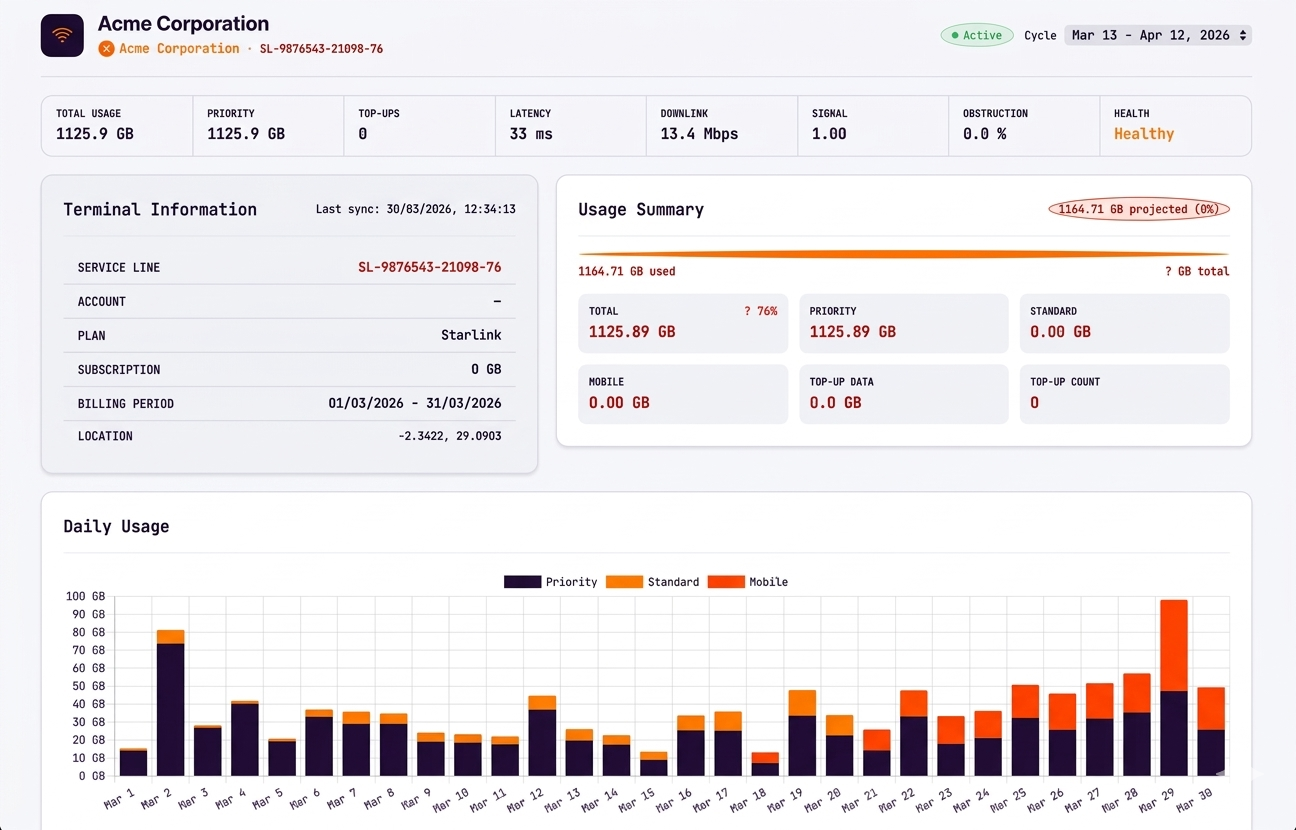
Starlink monitoring that stays aligned to reality

Track terminal status, billing-cycle accurate usage, and service health in one place so operations teams can act quickly and report with confidence.

  • Billing-cycle aligned usage visibility
  • Terminal health and service context
  • Designed for enterprise and remote sites
Starlink service

Peplink intelligence

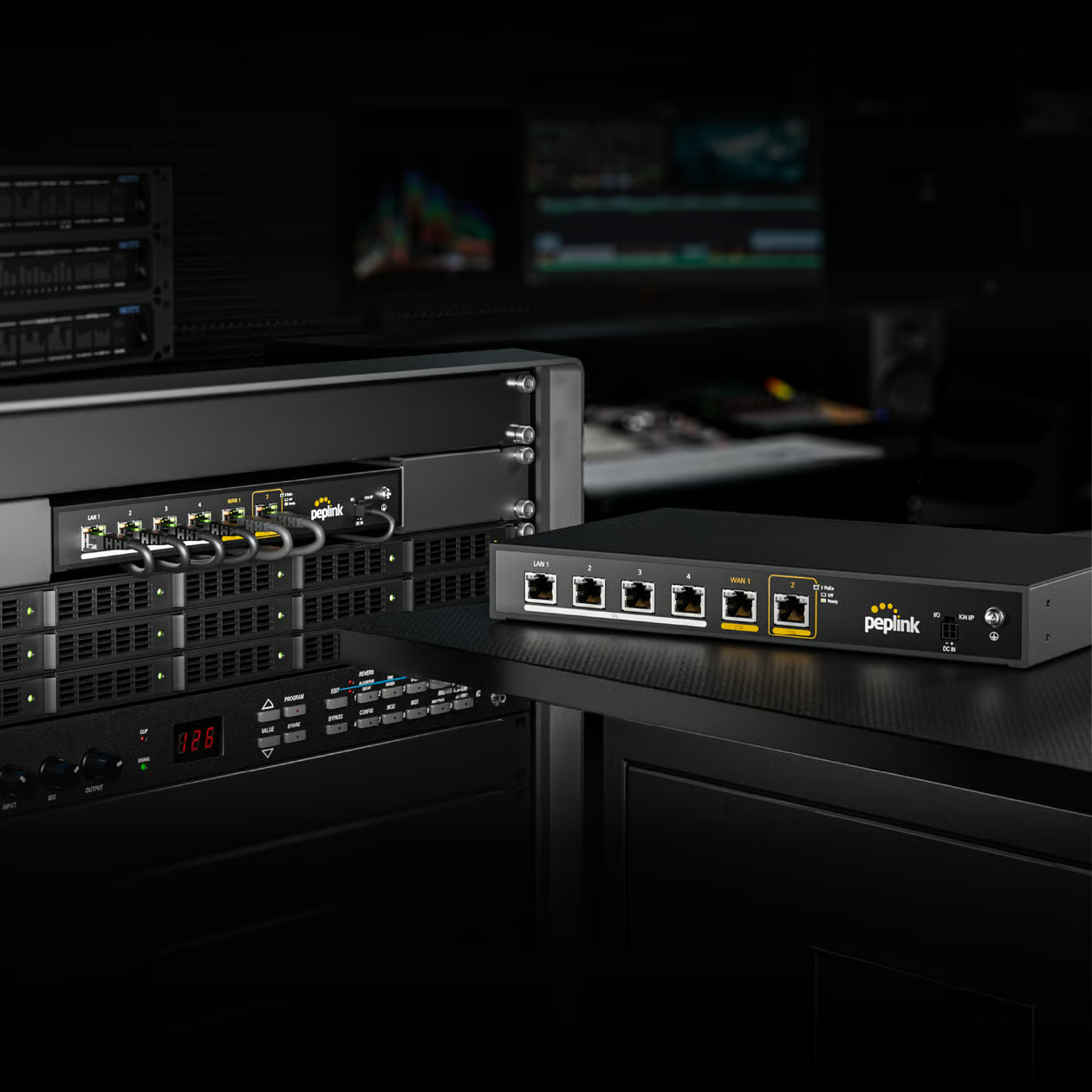
Peplink visibility for faster troubleshooting

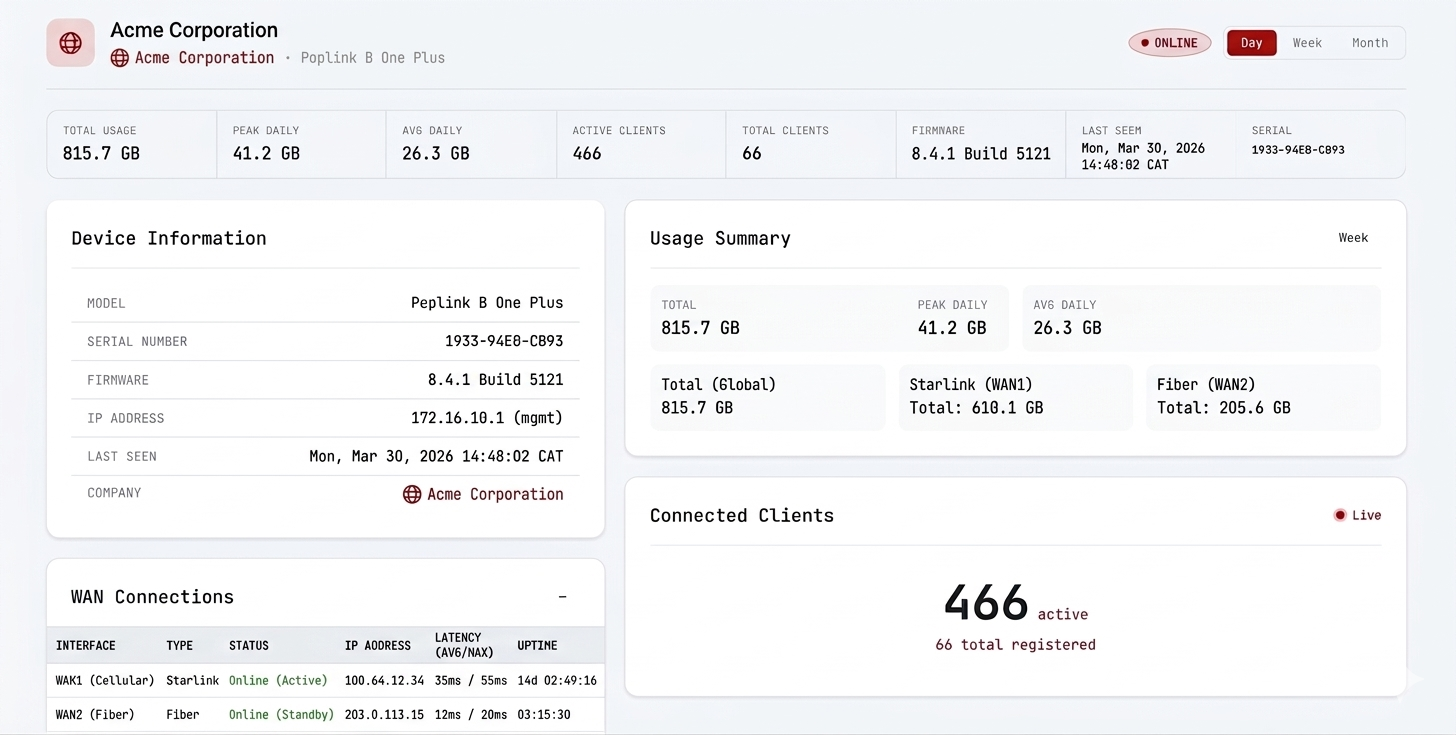
See connected clients, WAN activity, and application behavior so support teams can diagnose problems faster and communicate clearly with customers.

  • Connected clients and traffic visibility
  • DPI insights for application-level understanding
  • WAN health and performance per site
Peplink service

Multi-tenant SaaS

One platform, many customers, clean separation

Run platform, reseller, and company portals with role-based access and white-label branding so every audience gets the right experience.

  • Separate portals for each audience
  • Role-based permissions and access control
  • White-label ready customer experience
Multi-tenant platform

Reporting

Reports and analytics that customers can understand

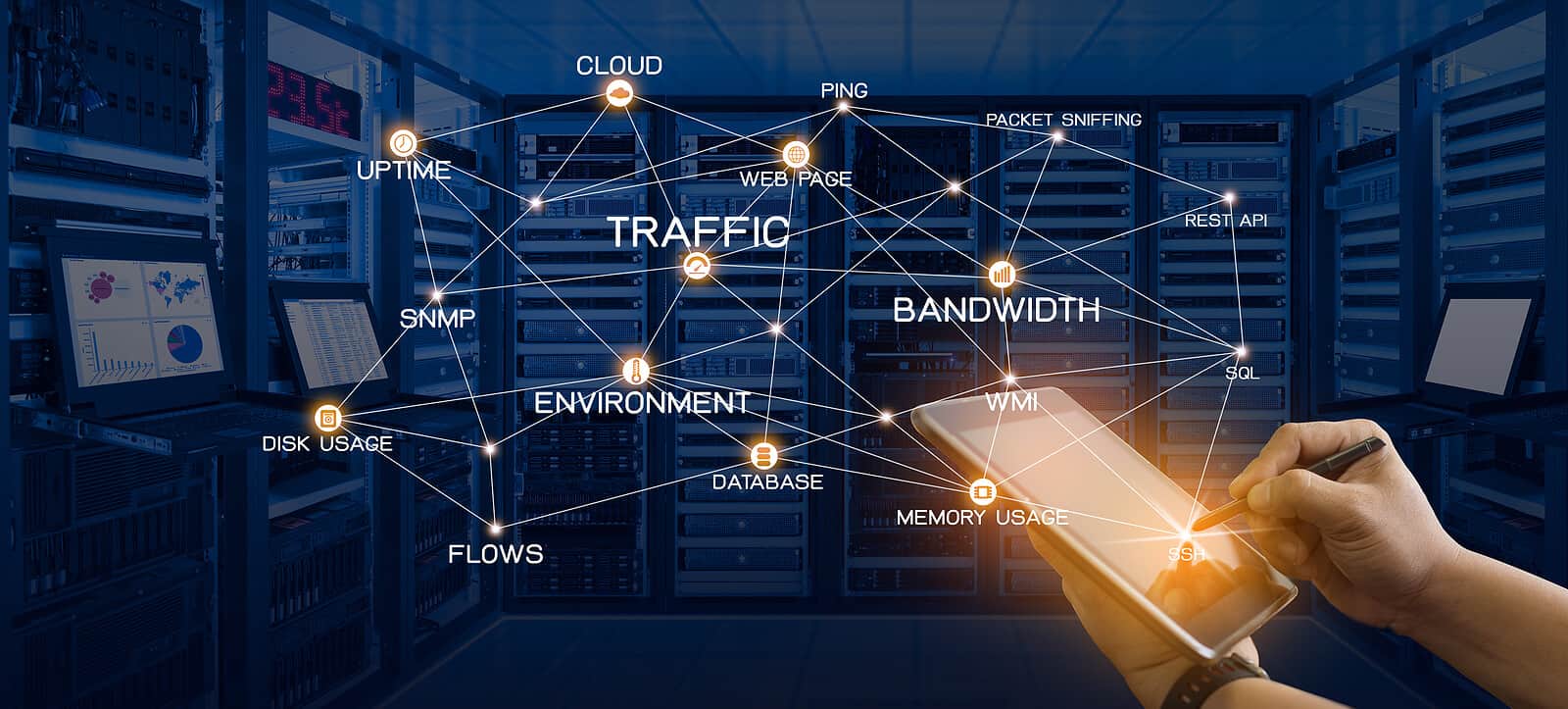
Generate exports, scheduled reports, and dashboards that reduce disputes, improve accountability, and make performance easier to explain.

  • Operational dashboards and exports
  • Branded reports for clients and stakeholders
  • Historical visibility for better decision-making
Network analytics

Roadmap

Built to expand into broader network visibility

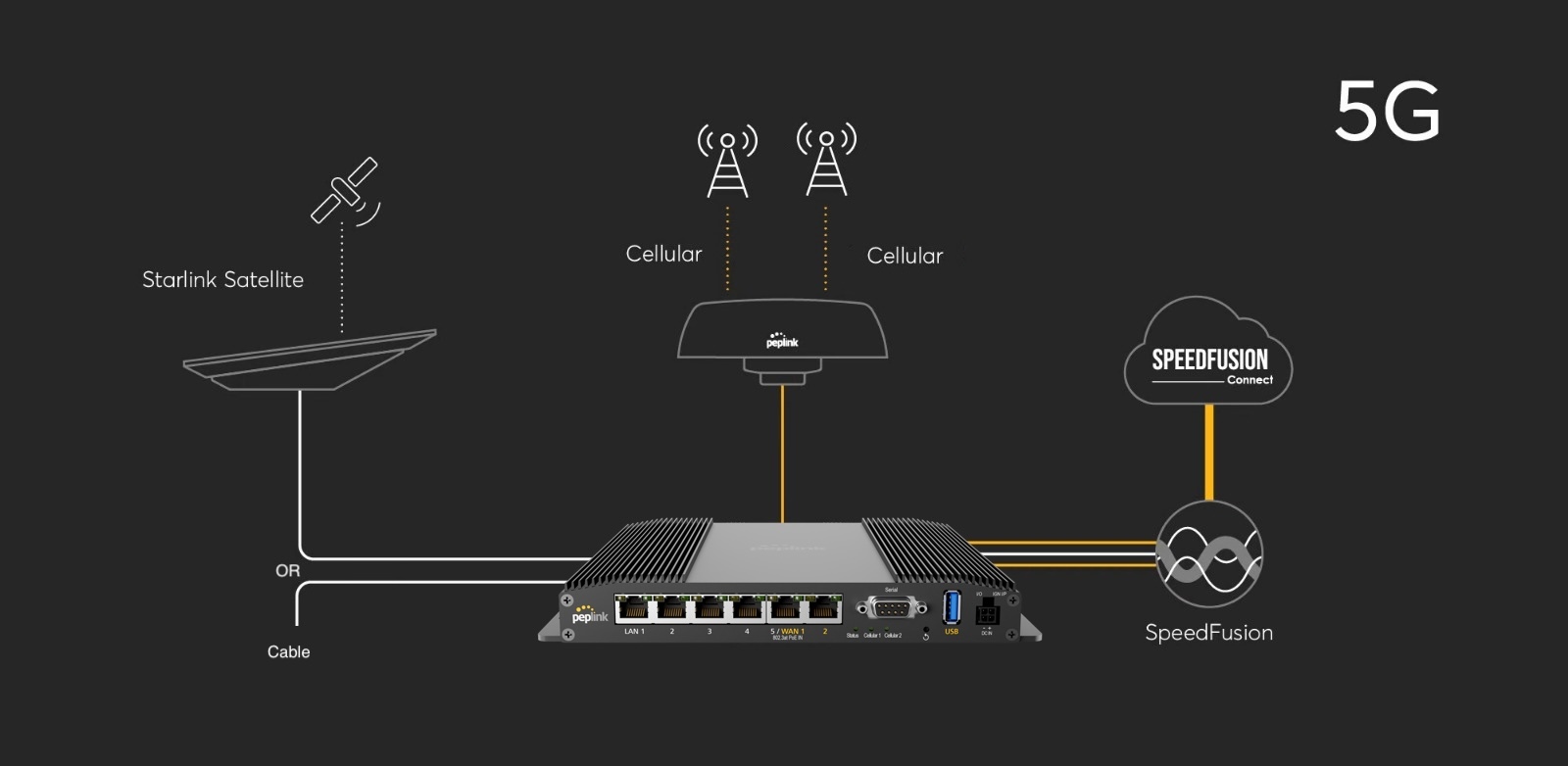
SmartView keeps the focus on Starlink and Peplink today, while laying the groundwork for visibility across wider enterprise network environments.

  • Supports growing operational requirements
  • Extensible foundation for future integrations
  • Natural path toward broader network monitoring
Peplink network

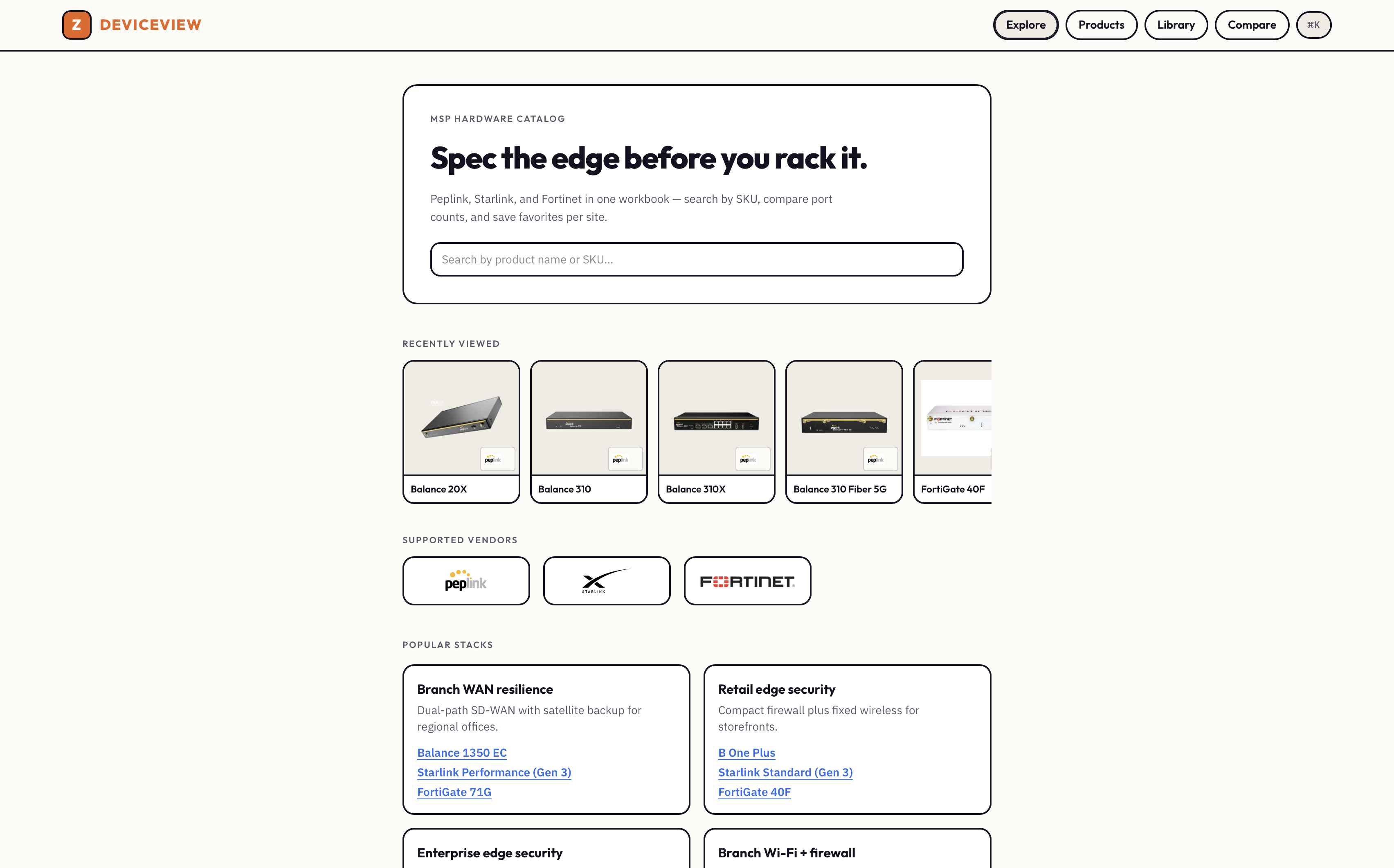
Spec before you deploy

MSP hardware catalog.

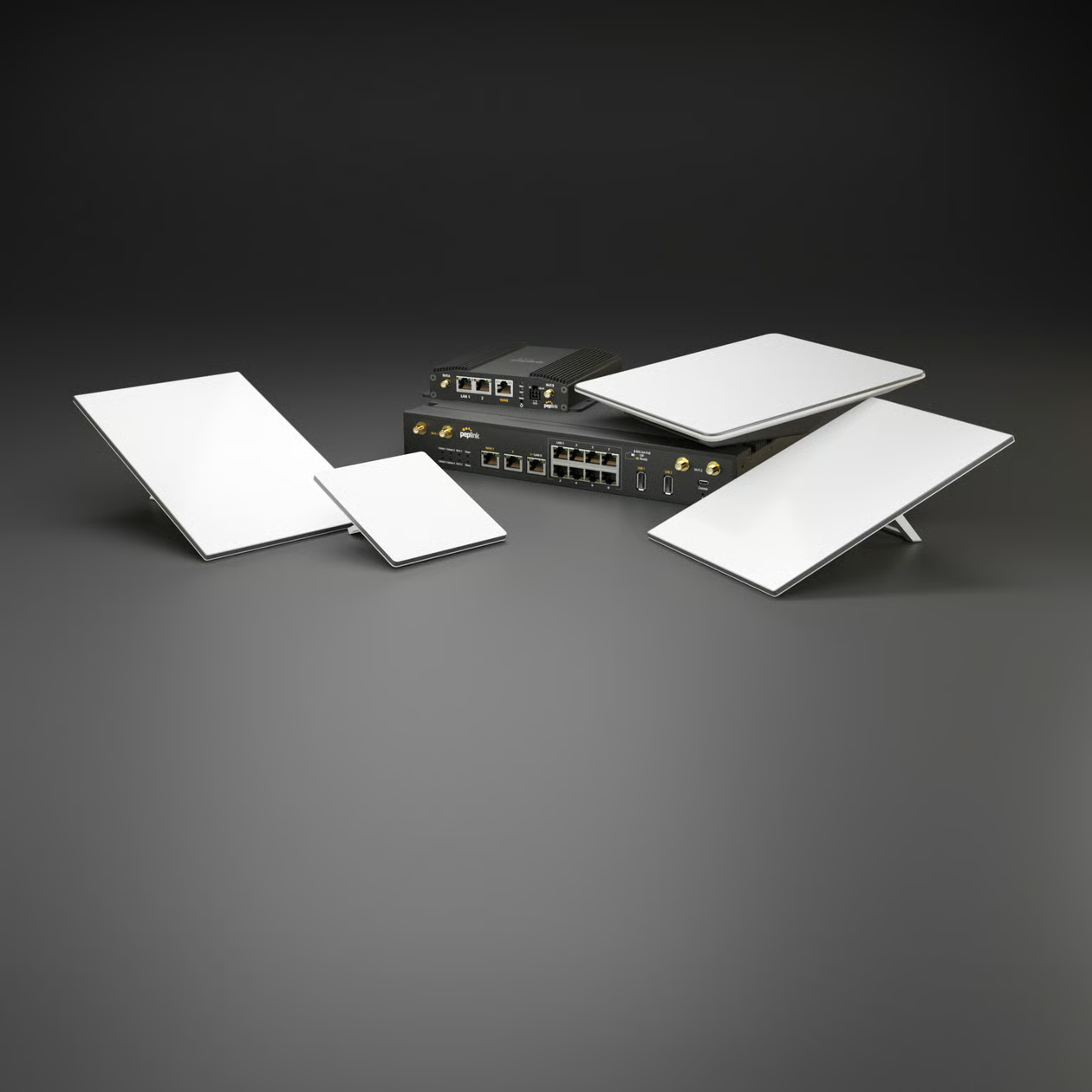
Peplink, Starlink, and Fortinet in one workbook—search by SKU, compare port counts and power, and browse curated stacks for common edge designs.

Compare Side-by-side specs
Stacks Reference designs
Public No login required
MSP hardware catalog — compare Peplink, Starlink, and Fortinet specs

See it in action

Three views. Each answers one operational question.

Always-on visibility

Status you can trust.

Live terminal health and usage that matches the real Starlink billing cycle.

Cycle-true Usage windows
Online / risk Fleet status
< 1 min Telemetry lag
Starlink device detail screenshot

Fleet intelligence

See who uses the link.

Clients, applications, and WAN health in one place—faster, clearer troubleshooting.

Clients Who’s connected
DPI App-level traffic
Per WAN Health & load
Peplink device detail screenshot

Operational context

Trends that explain why.

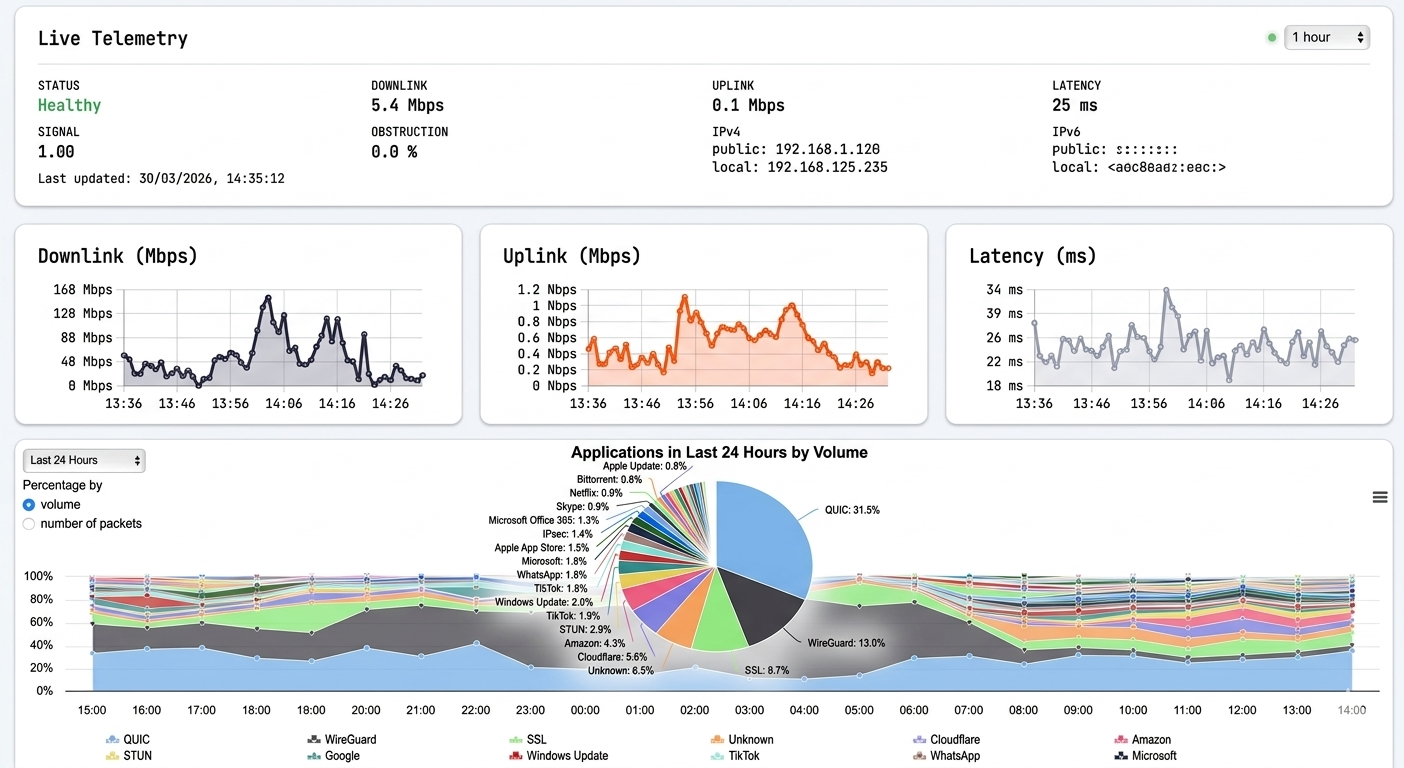
Telemetry history your team can share in reviews—less guessing, clearer handoffs.

History Compare windows
RF & link Signal context
Shared Ops narrative
Telemetry screenshot

Clear setup path,
from one site to a fleet.

Connect your fleet.

Add Starlink and Peplink credentials once. SmartView syncs terminals, routers, and usage into one workspace.

Assign without sprawl.

Map devices to companies and roles so reseller and client portals stay clean—and staff only see what they need.

Monitor & report clearly.

Track health and cycle-true usage, then generate or schedule branded reports your customers can understand.

You don’t need everything on day one. Add control as your fleet needs it.

Tenant isolation

Reseller and client data stay separated across portals and APIs—by design, not afterthought.

Learn more

Role-based access

Platform, reseller, and company users only see what they should. Permissions stay configurable.

Try access

Audit-friendly workflows

Operational changes can be traced through structured logs and audit events when you need them.

See FAQ

Safe testing mode

Disable outbound email while staff experiment—so clients never get accidental messages.

Log in

Frequently asked questions

SmartView is designed to be clear for both operations teams and customer-facing teams. These answers focus on the questions people usually ask before adopting it across multiple sites.

Who is SmartView for?

SmartView is built for platform operators, resellers (ISPs, MSPs), and their end-customer companies. Resellers can manage multiple companies and devices; companies get their own portal to view their Starlink and Peplink gear.

What can I monitor?

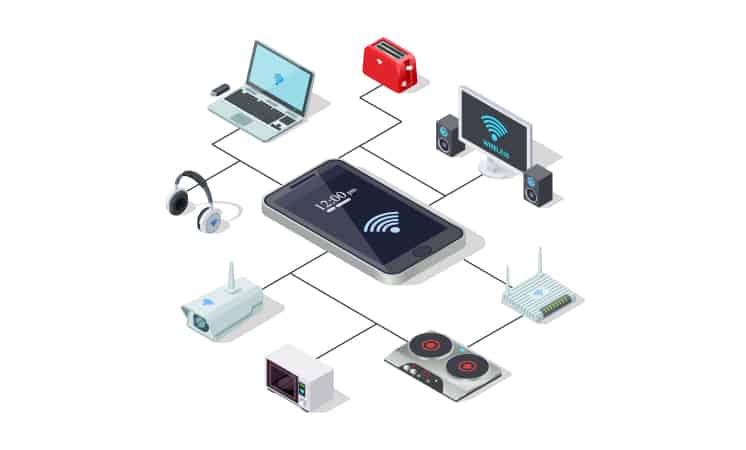
Starlink: terminal status, billing-cycle usage, and service health. Peplink: device status, connected clients, DPI (application) data, and WAN usage. Dashboards and reports are available per company and per device. Whole-network monitoring (IoT, servers, power appliances) is on the roadmap.

Is usage aligned to the Starlink billing cycle?

Yes. SmartView is designed to keep usage aligned to each terminal’s billing cycle so the numbers you see match operational and reporting expectations.

How is access controlled?

Access is role-based. Platform staff manage resellers; reseller staff manage companies and devices; company users see only their organization’s data. Permissions can be tailored per role.

Can staff test without emailing clients?

Yes. Email sending can be disabled in a safe test mode so staff can explore configuration without accidentally sending reports or notifications to clients.

Can we use our own domain?

Resellers can use subdomains. Custom domains for platform and portals can be supported depending on your deployment.

What is Vigil?

Vigil is SmartView’s AI operations assistant. Authenticated teams can chat about Starlink and Peplink fleets, generate billing-cycle usage reports, review risk and alerts, and use role-scoped tools—on web and Android. Answers are grounded in SmartView data rather than generic chat. See the Vigil page for details.

Is there a hardware spec catalog?

Yes. Zuba maintains a public MSP hardware catalog for Peplink, Starlink, and Fortinet—search, compare, and stack reference designs before you deploy. SmartView is where you monitor gear once it is live.

How do I get started?

Log in with your platform or reseller account. If you’re a new reseller, contact the administrator to get onboarding access. Once in, add companies, link Starlink and Peplink devices, and start monitoring.


About SmartView

SmartView is Zuba Broadband’s platform for monitoring and reporting across enterprise sites using Starlink and Peplink. It’s built for clarity, multi-tenancy, and reliable operations.

We keep the focus on what matters day-to-day: knowing what’s online, what’s consuming bandwidth, and how to communicate that clearly to customers and internal teams. Vigil adds an AI operations assistant for chat, reports, and fleet tools when your role allows. To spec edge hardware before deployment, use the MSP hardware catalog.

Ready to get started?

Log in to your SmartView account. For access or onboarding, contact [email protected]. For support, email [email protected].

From the blog

All posts